
In my last post, I shared how disappointing it was not to be chosen as the go-to vendor for a large IT project with a dispensary. But setbacks often create space for other opportunities. Over the past week, MarcB IT has been helping new clients resolve their tech dilemmas — and those small wins add up.
Anthony’s Samsung Odyssey G5 Monitor
Through a WPForms inquiry on my website, Anthony contacted me about his brand-new Samsung Odyssey G5 monitor. He had tried connecting his MacBook Air to a J5 Create Dual HDMI Mini Dock and then running an HDMI cable to the monitor — but nothing displayed.
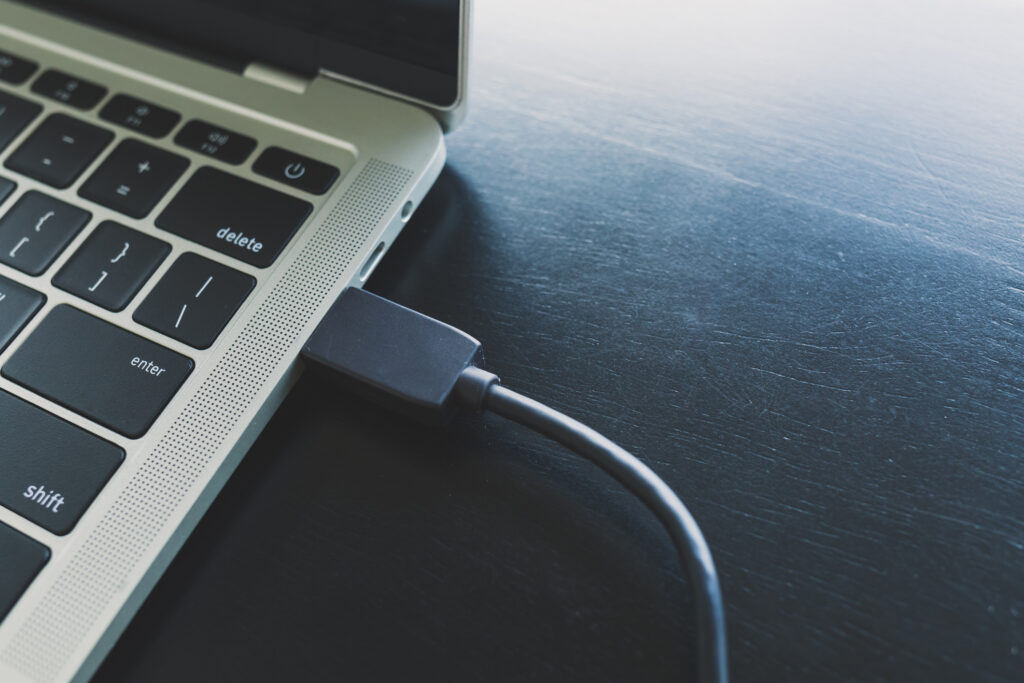
After reviewing his setup, I realized the issue was the dock’s limited compatibility with macOS. I recommended bypassing the dock completely and instead using a direct USB-C to HDMI connection from the MacBook Air to the Samsung.
Anthony ordered the cable from Amazon and tested it the next day. Success! The monitor came to life instantly. He sent me a joyful email, thanking me for the quick response and the solution that worked. For me, it was a very rewarding experience to help a new client resolve an urgent issue so quickly.
Sandra’s Freezing Surface Pro 11
Another client, Sandra, reached out through my website about her Surface Pro 11, which was intermittently freezing. With her permission, I connected remotely via Quick Assist to investigate.
First, I checked Event Viewer, which showed repeated crashes of WINWORD.EXE — suggesting Microsoft Word was contributing to system instability. In Task Manager, I noticed Chrome was consuming nearly 1GB of RAM. I attempted to run a memory diagnostic (mdsched.exe), but Windows threw an error.
Next, I downloaded the Surface Diagnostic Toolkit from the Microsoft Store, which confirmed that the RAM was fine. The most useful tool turned out to be Reliability Monitor, which flagged crashes not only with WINWORD.EXE but also SurfaceAppDT.exe and Windows processes at the system level.
With those insights, I ran two system repair commands:
sfc /scannowDISM /Online /Cleanup-Image /RestoreHealth
Finally, I guided Sandra through repairing Microsoft Word by navigating to Control Panel ? Programs and Features, selecting Microsoft 365, and running the Repair option. After restarting, her Surface ran much more smoothly.
Sandra was thrilled. She even asked for an invoice on the spot, but I suggested we wait a week to ensure stability before billing. She appreciated the transparency and agreed.
The Takeaway
These two client resolutions highlight what MarcB IT is all about: clear diagnosis, step-by-step troubleshooting, and practical solutions that get people back on track. While I didn’t land the big IT job, the smaller ones matter too — and they’ve been steadily coming in through my website (thanks to Google Ads) and even more than expected through Yelp.
Helping clients solve real problems — whether it’s connecting a brand-new monitor or stabilizing a freezing laptop — is what makes this work worthwhile.